Journal
UI/UX lessons from my design practice
Jan 11, 2024
Video
Popular
What 6+ years of designing websites, apps, and digital products have taught me about making complex ideas feel simple.
By Moksha Fernando · Personal notes
Start with the situation, not the screen
After more than six years in product and visual design, I keep returning to one question: what is the person trying to do? A polished interface matters, but it earns its place by helping someone move forward. Before opening a design file, I want to understand the task, the context, and what might get in the way.
My work spans websites, apps, and SaaS products. The details change, but the starting point stays familiar: listen, ask useful questions, and make the problem clear enough to explain in a few sentences.
Make the important action easy to find
I think about hierarchy before decoration. What should someone notice first? What information supports their decision? What can wait? A strong layout answers those questions through spacing, type, contrast, and a clear next step.
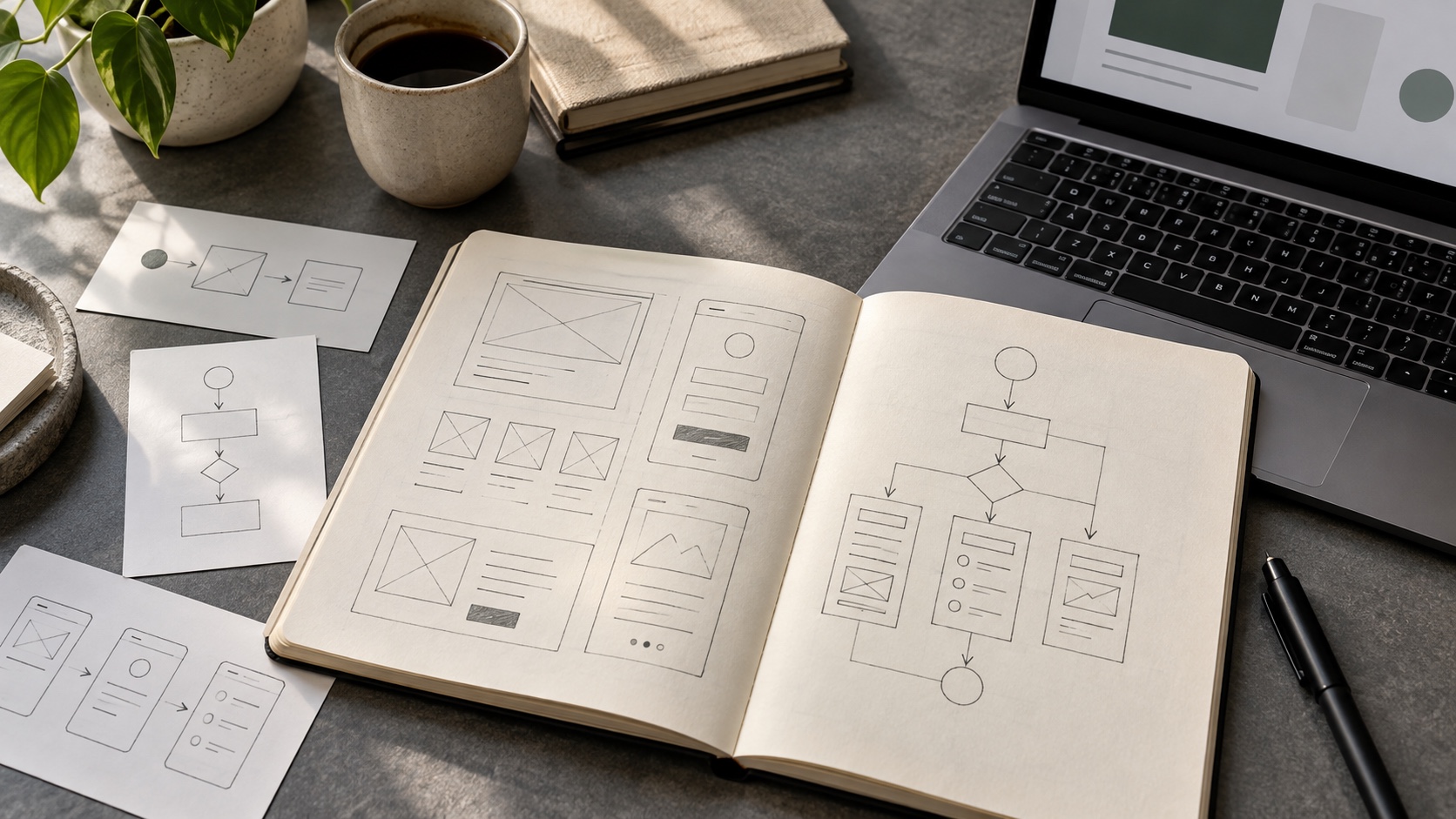
I like to begin with rough flows and simple wireframes. They make it easier to discuss structure without getting distracted by colours or finishing touches. A small change at this stage can save a much larger redesign later.
Design the moments between the happy path
An interface also needs to work when a field is empty, a request is loading, or something goes wrong. Those quieter states often reveal whether the experience has really been thought through. I try to treat labels, feedback, and recovery as part of the design rather than details to add at the end.
Keep learning from the handoff
Working across design and development helps me see the distance between a good-looking mockup and a useful product. I pay attention to responsive behaviour, reusable components, and the clarity of the handoff. For me, good UI/UX is a continuous practice of making decisions clearer—for users, clients, and the team building the experience.